Classroom 7x: Free Unblocked Games
Play 111+ hand-picked browser games instantly. No downloads, no sign-ups, and built to run smoothly on school Chromebooks.
- Instant play
- Chromebook friendly
- Nothing to install
- Every game tested


Continue Playing
My Games continue playingPopular Games
All games popular games








New & Trending





Racing Games
See all racing games

2 Player Games
See all 2 player games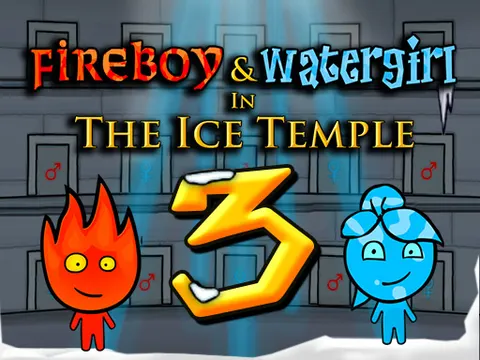
Sports Games
See all sports games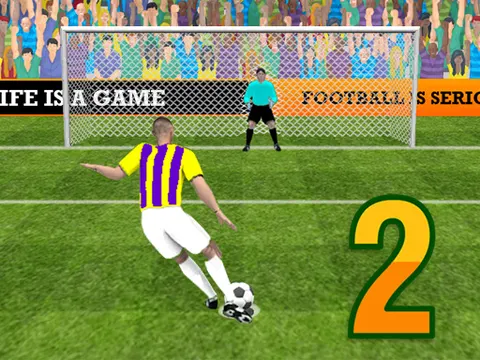



Puzzle Games
See all puzzle games


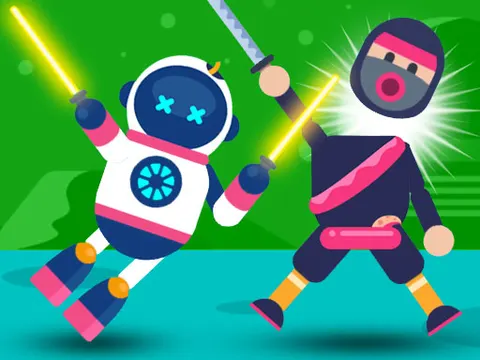
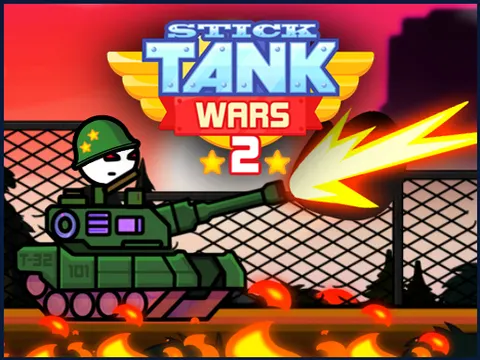
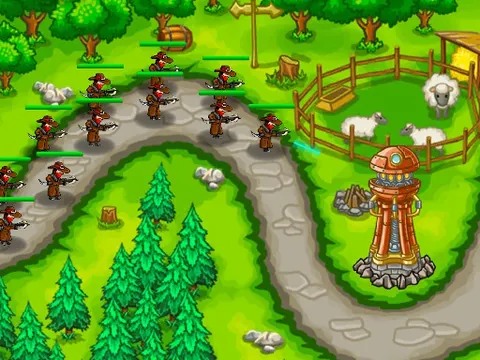
Action Games
See all action games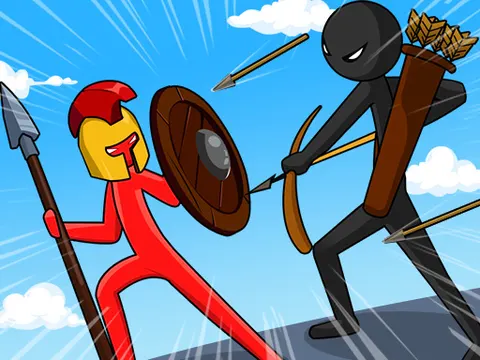

Platformer Games
See all platformer games
Classics Hosted on Classroom 7x
Open-source games served straight from our own site. Light, fast and always available.
Browse by Category
- Racing Games18 games · Drift, race and pull off stunts on wild tracks.
- 2 Player Games25 games · Team up or face off with a friend on one keyboard.
- Sports Games17 games · Basketball, soccer, pool, golf and more.
- Action Games10 games · Brawls, battles, heists and tower defense.
- Shooting Games8 games · Snipers, tanks, zombies and arcade blasters.
- Puzzle Games29 games · Brain teasers, block puzzles and logic games.
- Platformer Games17 games · Run, jump and slide through tricky levels.
- IO Games9 games · Grow, battle and climb the leaderboard.
- Arcade Games18 games · Retro classics and quick pick-up-and-play fun.
- Skill Games17 games · Timing and reflex challenges that reward practice.
- Card & Board Games14 games · Chess, solitaire, checkers, mahjong and more.
- Clicker & Idle Games11 games · Tap, upgrade and watch your empire grow.
Guides & Tips
All guides guides & tips Best 2 Player Games on One Keyboard: Controls and TipsTen great 2 player games you can play side by side on one keyboard, with the controls for each player and simple tips to keep every match fair and fun.
 The Best Unblocked Games of 2026: 15 Top Picks RankedFifteen of the best unblocked games to play in 2026, grouped by type, with a quick note on why each one made the list and who will enjoy it most.
 Games to Play on Chromebook: A Classroom 7x GuideWhy browser games are a great fit for Chromebooks, how to make them run smoothly, 10 games that work well, and what to do when a game will not load.
What Is Classroom 7x?
Classroom 7x is a free online games site made for short breaks at school, at home or anywhere you have a browser. We collect 111+ of the best HTML5 browser games in one clean place, so you can open a game and start playing in seconds. There is no app to install, no account to create and no software to update. Everything runs inside the page on a Chromebook, Windows laptop, Mac, iPad or Android tablet.
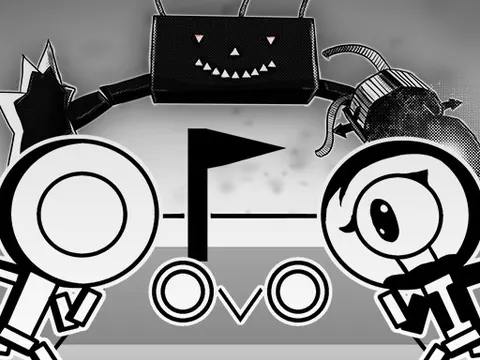
Unlike huge game portals that list thousands of half-broken titles, Classroom 7x is hand-picked. Every game in our library is tested to make sure it loads, and every game page includes a written guide with the controls, how to play, tips and answers to common questions. Whether you want the speed of Snow Rider 3D, the precision of OvO or a calm round of 2048, you will find it here.
- 111+Free games
- 12Categories
- 0Downloads needed
- 6Self-hosted classics
Why Players Choose Classroom 7x
Instant, lightweight pages
Pages load fast and games only start when you press Play, so even slow school Wi-Fi keeps up.
Made for Chromebooks
Every game runs in Chrome. Keyboard-only games are clearly labeled before you start.
Curated and tested
A smaller library of games that actually work, chosen for fun, quality and school-appropriate content.
Save your favorites
Tap Save on any game to keep it in My Games. Recently played games show up on the homepage too.
Fullscreen mode
Go fullscreen with one click for a distraction-free game, and press Esc to come back.
Play with friends
Dozens of 2 player games let you challenge a friend on the same keyboard.
How to Play Games on Classroom 7x
- Pick a game from the homepage, search for it at the top, or browse a category like Racing or Puzzle.
- Press the big Play Now button. The game loads right on the page, with no pop-ups or new tabs.
- Click inside the game once so it can read your keyboard, then check the Controls table below the game if you need help.
- Use Fullscreen for a bigger view and Save to add the game to My Games for next time.
Tips for Playing Classroom 7x Games on a Chromebook
- Click inside the game first. Browser games only read your keyboard after you click on them once.
- Use fullscreen. It gives you a bigger view and stops the page from scrolling when you press the arrow keys or space bar.
- Close extra tabs. 3D games like Snow Rider 3D run smoother when Chrome has fewer tabs open.
- Keep Chrome updated. Most loading problems are fixed by updating the browser or refreshing the page.
- Save your favorites. Press Save on any game and it appears in My Games.
- Try a self-hosted classic. If a game will not load on your network, 2048, Hextris and the Dino Game load directly from Classroom 7x.
Best Classroom 7x Games to Start With
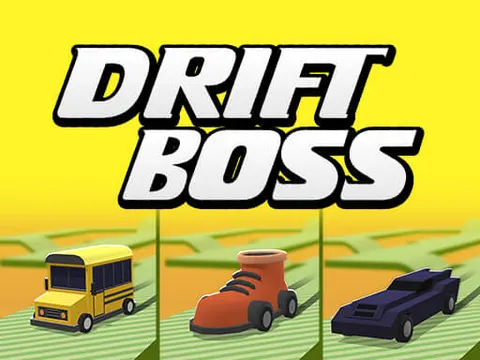
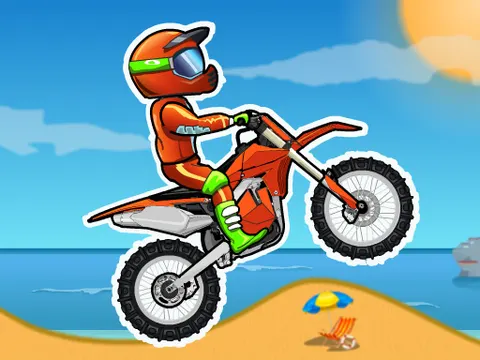
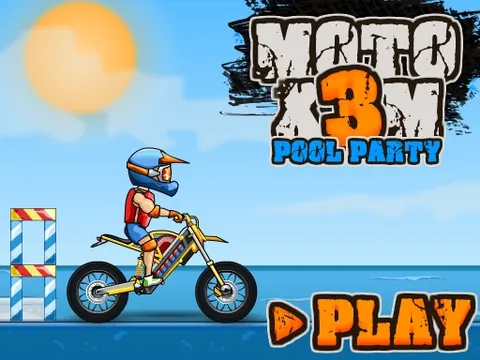
New here? These are the games players come back to most. Snow Rider 3D sends you sledding down an endless snowy slope where one wrong turn ends the run. Drift Boss turns a single button into a tense test of timing on a cliffside track, while Eggy Car asks you to drive over hills without dropping a very fragile passenger. If you like platformers, OvO and the Vex series reward quick fingers, and Moto X3M mixes stunts with deadly traps.
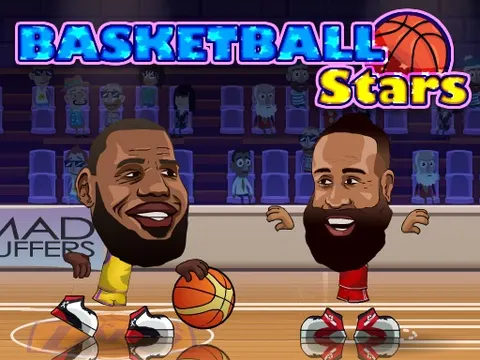
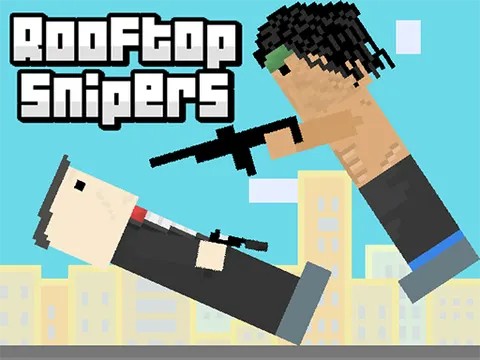
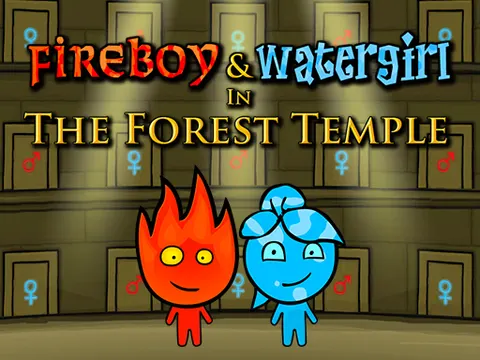
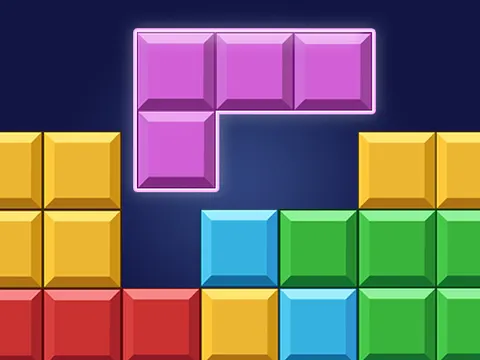
Playing with a friend? Try Basketball Stars, the wonderfully chaotic Basket Random, the two-button duel Rooftop Snipers or the puzzle co-op classic Fireboy and Watergirl. For something calmer, Chess, Klondike Solitaire, Block Blast and Hextris are perfect for a few relaxed minutes, and A Dark Room is a slow-burn text adventure with a surprising story.
Explore Classroom 7x Game Categories
Every game sits in at least one category, so you can jump straight to the kind of game you are in the mood for.
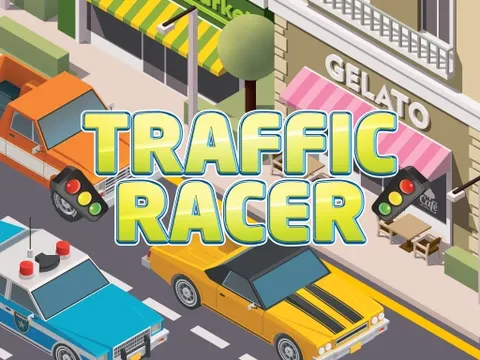
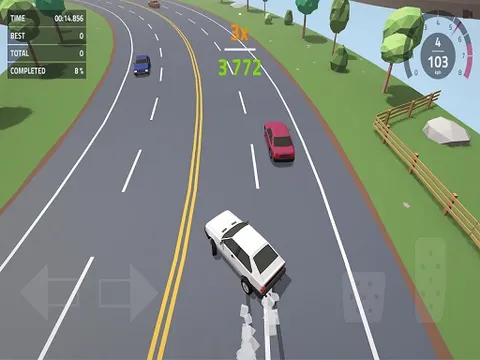
Racing is one of the most played sections on Classroom 7x. Drift around endless corners in Polygon Drift, weave through traffic in Highway Racer 3D or pull off flips over explosive traps in Moto X3M 4: Winter. Most racing games use just the arrow keys, so they are easy to learn on any Chromebook.
Browse racing gamesTwo players, one keyboard. One friend uses W, A, S and D while the other uses the arrow keys. Soccer Random, Volley Random and Tennis Masters are quick, silly and perfect for a lunch-break rivalry, while Bubble Trouble lets you team up instead.
Browse 2 player gamesShoot hoops in Basketball Legends 2020, take penalties in Penalty Shooters 2, line up the perfect break in 8 Ball Pool or roll a strike in Bowling Stars. Sports games are short and match-based, a great fit for a five-minute break.
Browse sports gamesTrain your brain with Doodle God, sort colors in Water Sort, guess the daily word in Daily Wordler or clear the board in Minesweeper. Puzzle games are calm, need only a mouse or touch screen, and you can stop and come back any time.
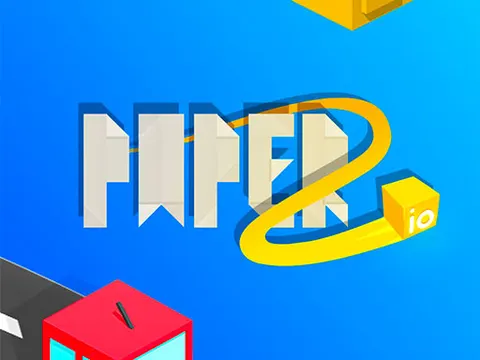
Browse puzzle gamesIO games drop you into an arena where you grow, battle and climb the leaderboard. Claim territory in Paper.io 2, eat your way to the top in Snaking.io or bump rivals out of the ring in Kart Fight.io. Rounds are fast, so one more game is always tempting.
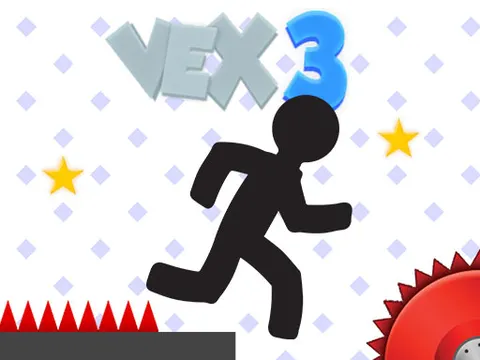
Browse io gamesIf you love a challenge, this is where Classroom 7x gets tough. Run and slide through the deadly courses of Vex 4 and Vex 5, sneak past guards in Bob The Robber 2 or smash through spinning towers in Stack Ball 2. Practice really pays off here.
Browse platformer gamesPrefer something classic? Play Checkers, Spider Solitaire, FreeCell, Classic Mahjong or Ultimate Connect 4. These timeless games are quiet, strategic and easy to pick up.
Browse card & board gamesClicker and idle games keep progressing even when you take a break. Tap your way to a fortune in Popcat Clicker, build a business in Pizza Clicker Tycoon or grow a dinosaur theme park in Dino Idle Park.
Browse clicker & idle games
Is Classroom 7x Safe?
Classroom 7x was designed to be a simple, clean place to play. There are no accounts, no chat rooms and no forms asking for personal information. Your favorites and history stay in your own browser. We pick games with cartoon or arcade-style action and avoid graphic or adult content, and every game opens right on the page instead of sending you to unknown websites. Games provided by partners may show short ads, which is how their developers are paid. Read more in our Privacy Policy.
How We Choose the Games
Bigger is not always better. Instead of listing thousands of copies, we choose well-known, well-made games that players actually search for, check that each one loads in a modern browser, and write a guide for it. When a game stops working or a better version appears, we update the library. Want to suggest a game? Send it through ourcontact page.
Play responsibly: Classroom 7x is meant for free time, like lunch or a break between classes. Schoolwork comes first, so follow your school's rules about when games are allowed. Teachers and parents can learn more on ourAbout page.
Classroom 7x vs Classroom 6x
Many players arrive here after searching for Classroom 6x or other unblocked games sites. Here is how Classroom 7x compares:
What is Classroom 7x?
Classroom 7x is a free website with 111+ browser games you can play instantly, including racing, sports, puzzle, 2 player and io games. Every game runs inside the page, so there is nothing to download or install and you never need an account.
Are Classroom 7x games really free?
Yes. Every game on Classroom 7x is free to play. Some games from our partners show a short advertisement before or between levels, which is how their developers get paid, but you never have to pay or sign up.
Does Classroom 7x work on a school Chromebook?
Yes. Classroom 7x is built for Chrome and Chromebooks first, and also works in Edge, Firefox and Safari on Windows, Mac, iPad and Android. Each game page tells you if a game needs a keyboard.
Do I need to download anything or create an account?
No. Click a game, press Play Now and it starts in your browser. Your favorites and recently played games are saved in your own browser, not in an account, so nothing personal is collected.
What are the best games on Classroom 7x right now?
The most played games are Snow Rider 3D, OvO, Drift Boss, Moto X3M, Basketball Stars, Eggy Car, Paper.io 2, Basket Random, Rooftop Snipers and Fireboy and Watergirl. The Popular section at the top of the homepage is ordered by what players pick most.
What is the difference between Classroom 7x and Classroom 6x?
Both are free unblocked games sites. Classroom 7x focuses on a hand-picked library where every game is checked to load and has its own guide with controls, tips and FAQs, plus a few open-source classics that load directly from our own site.
Can I play with a friend on the same computer?
Yes. Our 2 Player category has games like Basketball Stars, Basket Random, Rooftop Snipers and Fireboy and Watergirl that two people can play on one keyboard.
A game is not loading. What should I do?
Refresh the page and press Play again, and make sure your browser is up to date. If a network blocks a partner game, try one of our self-hosted games like 2048, Hextris or the Dino Game. You can also report the problem on our contact page.